Easy Application Deployment and Management with Dokku
Application management and deployment are some of the most important aspects of the web development process. Thankfully, we are long past the days of using FTP or similar toolings to manage application deployments. Especially for proof of concepts, I like to get things up and running with as little configuration as possible. In this case, I’ve opted to use Dokku and will give a brief overview here. Let’s dive in!
What is Dokku?
Dokku is a popular, open-source, and self-hosted platform as a service (PaaS) that allows users to easily deploy and manage their applications, very similar to your own self-hosted Heroku. Under the hood, Dokku is powered by Docker, uses Heroku buildpacks by default, and has a number of official and community plugins.
There is a one-click install image you can use from Digital Ocean, but I personally like to start with a fresh box and enjoy installing and configuring it all myself.
The only system requirements are 1GB of memory and either Ubuntu 18.04/20.04 x64, Debian 9+ x64, or CentOS 7 x64.
Installation
wget https://raw.githubusercontent.com/dokku/dokku/v0.26.6/bootstrap.sh
sudo DOKKU_TAG=v0.26.6 bash bootstrap.shThis process can take between 5-10 minutes before it finishes. You can also see the other installation options which do not use curl, here.
Configuration
Next, you’ll want to configure the SSH access and the servers domain using the following commands:
# Usually, you can find your key in the current user's `~/.ssh/authorized_keys` file.
cat ~/.ssh/authorized_keys | dokku ssh-keys:add admin
# Be sure to replace this domain when running the command yourself!
dokku domains:set-global example.comYou’ll want to also install and configure a simple firewall, something like UFW would work great. The only ports you need open to work with Dokku is the SSH port (can be customized), HTTP (80), and HTTPS (443) ports.
# Install UFW.
sudo apt-get install ufw
# Allow SSH access.
sudo ufw allow ssh
# Allow http, port 80, and https, port 443.
sudo ufw allow http
sudo ufw allow https
# Enable UFW
sudo ufw enableYou can find a more in depth guide to setup and configure UFW, here.
Let’s deploy an app!
Let’s create a simple Next.js app and deploy it to our new Dokku instance.
# Using yarn
yarn create next-app
# Or using NPM
npx create-next-appNext, let’s open our index.js file in the pages directory and modify a few things.
// ... more code not shown for brevity
export default function Home() {
return (
<div className={styles.container}>
<Head>
<title>Create Next App and Deploy to Dokku!</title>
<meta name="description" content="Generated by create next app" />
<link rel="icon" href="/favicon.ico" />
</Head>
<main className={styles.main}>
<h1 className={styles.title}>
Welcome to <a href="https://nextjs.org">Next.js</a> and <a href="https://dokku.com">Dokku!</a>
</h1>
<p className={styles.description}>
Get started by editing{' '}
<code className={styles.code}>pages/index.js</code>
</p>
{ // .... more code down here }
</main>
</div>
);
}
// ... yep, you guessed it, more code not shown here.Next, we need to add the git remote for our project.
# Be sure to replace `example.com` with the domain for your dokku instance and `new-app-name` with the name for your application.
git remote add dokku [email protected]:new-app-nameAnd now, we can simply deploy with a git push to that new dokku remote.
git push dokku main
Enumerating objects: 7, done.
Counting objects: 100% (7/7), done.
Delta compression using up to 8 threads
Compressing objects: 100% (4/4), done.
Writing objects: 100% (4/4), 358 bytes | 358.00 KiB/s, done.
Total 4 (delta 3), reused 0 (delta 0)
-----> Set main to DOKKU_DEPLOY_BRANCH.
-----> Cleaning up...
-----> Building test-app from herokuish
-----> Adding BUILD_ENV to build environment...
BUILD_ENV added successfully
-----> Node.js app detected
-----> Creating runtime environment
NPM_CONFIG_LOGLEVEL=error
USE_YARN_CACHE=true
NODE_VERBOSE=false
NODE_ENV=production
NODE_MODULES_CACHE=true
-----> Installing binaries
engines.node (package.json): unspecified
engines.npm (package.json): unspecified (use default)
engines.yarn (package.json): unspecified (use default)
Resolving node version 14.x...
Downloading and installing node 14.17.6...
Using default npm version: 6.14.15
Resolving yarn version 1.22.x...
Downloading and installing yarn (1.22.11)
Installed yarn 1.22.11
-----> Restoring cache
- yarn cache
-----> Installing dependencies
Installing node modules (yarn.lock)
yarn install v1.22.11
[1/4] Resolving packages...
[2/4] Fetching packages...
info @next/[email protected]: The platform "linux" is incompatible with this module.
info "@next/[email protected]" is an optional dependency and failed compatibility check. Excluding it from installation.
info @next/[email protected]: The CPU architecture "x64" is incompatible with this module.
info @next/[email protected]: The platform "linux" is incompatible with this module.
info "@next/[email protected]" is an optional dependency and failed compatibility check. Excluding it from installation.
info @next/[email protected]: The platform "linux" is incompatible with this module.
info "@next/[email protected]" is an optional dependency and failed compatibility check. Excluding it from installation.
info [email protected]: The platform "linux" is incompatible with this module.
info "[email protected]" is an optional dependency and failed compatibility check. Excluding it from installation.
[3/4] Linking dependencies...
warning "next > styled-jsx > @babel/[email protected]" has unmet peer dependency "@babel/core@^7.0.0-0".
warning "eslint-config-next > @typescript-eslint/parser > @typescript-eslint/typescript-estree > [email protected]" has unmet peer dependency "typescript@>=2.8.0 || >= 3.2.0-dev || >= 3.3.0-dev || >= 3.4.0-dev || >= 3.5.0-dev || >= 3.6.0-dev || >= 3.6.0-beta || >= 3.7.0-dev || >= 3.7.0-beta".
[4/4] Building fresh packages...
Done in 3.95s.
-----> Build
Running build (yarn)
yarn run v1.22.11
$ next build
info - Loaded env from /tmp/build/.env
info - Using webpack 5. Reason: Enabled by default https://nextjs.org/docs/messages/webpack5
warn - No build cache found. Please configure build caching for faster rebuilds. Read more: https://nextjs.org/docs/messages/no-cache
Attention: Next.js now collects completely anonymous telemetry regarding usage.
This information is used to shape Next.js' roadmap and prioritize features.
You can learn more, including how to opt-out if you'd not like to participate in this anonymous program, by visiting the following URL:
https://nextjs.org/telemetry
info - Checking validity of types...
info - Creating an optimized production build...
info - Compiled successfully
info - Collecting page data...
info - Generating static pages (0/3)
info - Generating static pages (3/3)
info - Finalizing page optimization...
Page Size First Load JS
┌ ○ / 4.65 kB 71.6 kB
├ └ css/5dd3a863eec8dc33b66f.css 727 B
├ /_app 0 B 66.9 kB
├ ○ /404 194 B 67.1 kB
└ λ /api/hello 0 B 66.9 kB
+ First Load JS shared by all 66.9 kB
├ chunks/framework.b97a0e.js 42 kB
├ chunks/main.c4f254.js 23.6 kB
├ chunks/pages/_app.68998c.js 555 B
├ chunks/webpack.fb7614.js 770 B
└ css/120f2e2270820d49a21f.css 209 B
λ (Server) server-side renders at runtime (uses getInitialProps or getServerSideProps)
○ (Static) automatically rendered as static HTML (uses no initial props)
● (SSG) automatically generated as static HTML + JSON (uses getStaticProps)
(ISR) incremental static regeneration (uses revalidate in getStaticProps)
Done in 15.95s.
-----> Pruning devDependencies
yarn install v1.22.11
[1/4] Resolving packages...
[2/4] Fetching packages...
info @next/[email protected]: The platform "linux" is incompatible with this module.
info "@next/[email protected]" is an optional dependency and failed compatibility check. Excluding it from installation.
info @next/[email protected]: The CPU architecture "x64" is incompatible with this module.
info @next/[email protected]: The platform "linux" is incompatible with this module.
info "@next/[email protected]" is an optional dependency and failed compatibility check. Excluding it from installation.
info @next/[email protected]: The platform "linux" is incompatible with this module.
info "@next/[email protected]" is an optional dependency and failed compatibility check. Excluding it from installation.
info [email protected]: The platform "linux" is incompatible with this module.
info "[email protected]" is an optional dependency and failed compatibility check. Excluding it from installation.
[3/4] Linking dependencies...
warning "next > styled-jsx > @babel/[email protected]" has unmet peer dependency "@babel/core@^7.0.0-0".
warning "eslint-config-next > @typescript-eslint/parser > @typescript-eslint/typescript-estree > [email protected]" has unmet peer dependency "typescript@>=2.8.0 || >= 3.2.0-dev || >= 3.3.0-dev || >= 3.4.0-dev || >= 3.5.0-dev || >= 3.6.0-dev || >= 3.6.0-beta || >= 3.7.0-dev || >= 3.7.0-beta".
[4/4] Building fresh packages...
warning Ignored scripts due to flag.
Done in 1.69s.
-----> Caching build
- yarn cache
-----> Build succeeded!
! Unmet dependencies don't fail yarn install but may cause runtime issues
https://github.com/npm/npm/issues/7494
-----> Discovering process types
Default types for -> web
-----> Releasing test-app...
-----> Checking for predeploy task
No predeploy task found, skipping
-----> Checking for release task
No release task found, skipping
-----> App Procfile file found
=====> Processing deployment checks
No CHECKS file found. Simple container checks will be performed.
For more efficient zero downtime deployments, create a CHECKS file. See https://dokku.com/docs/deployment/zero-downtime-deploys/ for examples
-----> Deploying test-app...
-----> Attempting pre-flight checks (web.1)
Waiting for 10 seconds ...
Default container check successful!
Scheduling old container shutdown for web.1 in 60 seconds
-----> Running post-deploy
-----> Configuring test-app.example.com...(using built-in template)
-----> Creating https nginx.conf
Enabling HSTS
Reloading nginx
-----> Renaming containers
Found previous container(s) (ed302d9e2e9b) named test-app.web.1
Renaming container (ed302d9e2e9b) test-app.web.1 to test-app.web.1.1632683188
Renaming container test-app.web.1.upcoming-2851 (2c1f0d45c456) to test-app.web.1
-----> Checking for postdeploy task
No postdeploy task found, skipping
-----> Shutting down old containers in 60 seconds
=====> Application deployed:
http://test-app.example.com
https://test-app.example.com
To example.com:test-app
778f90c..8521e6c main -> main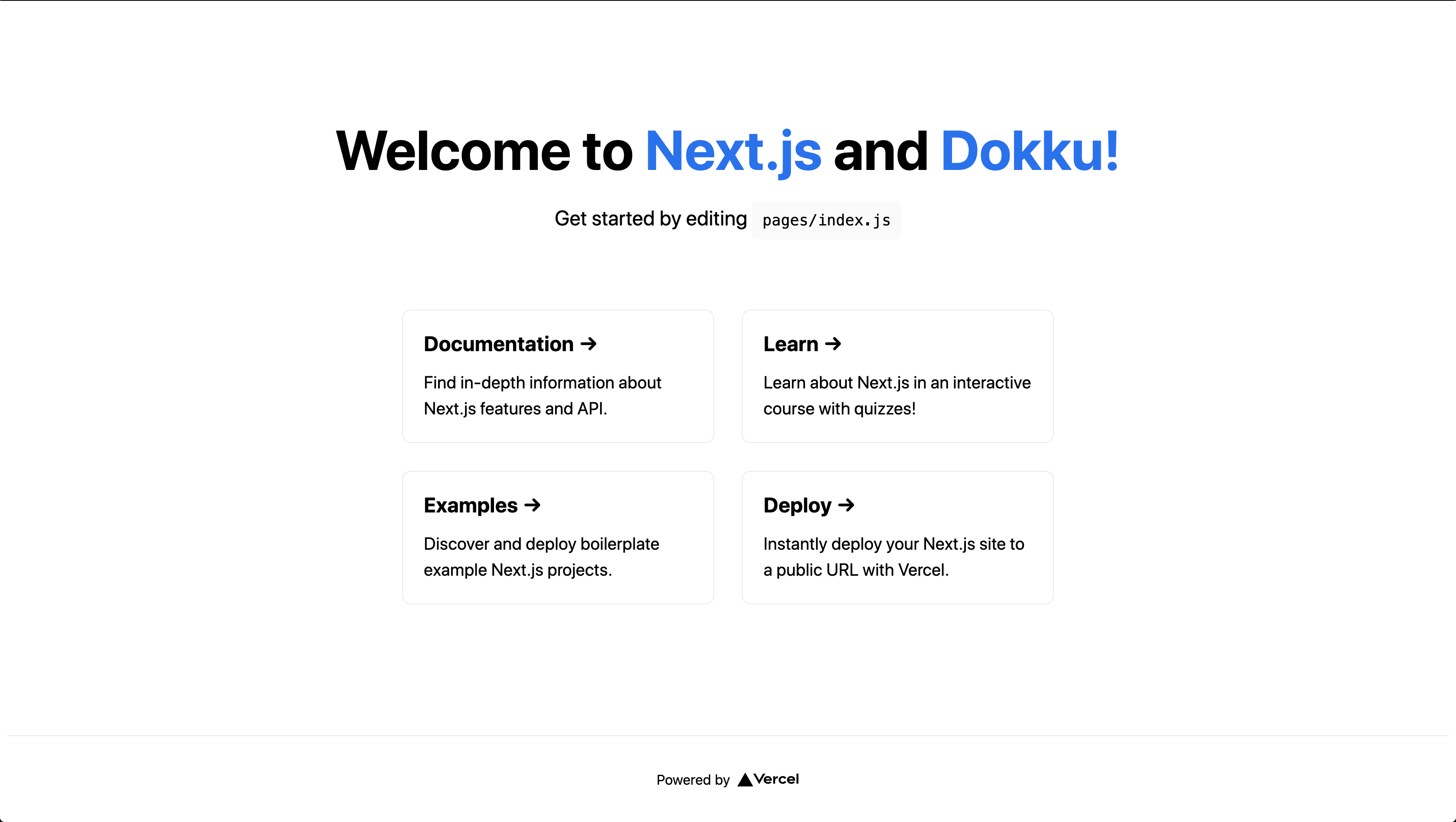
Dokku Plugins
There are a number of official and community based plugins available for use. These plugins range from databases like MariaDB, Postgres, Redis, Mongo and more, all the way to Memcached, Let’s Encrypt for SSL certificates, and Elasticsearch for search integration.
Ledokku
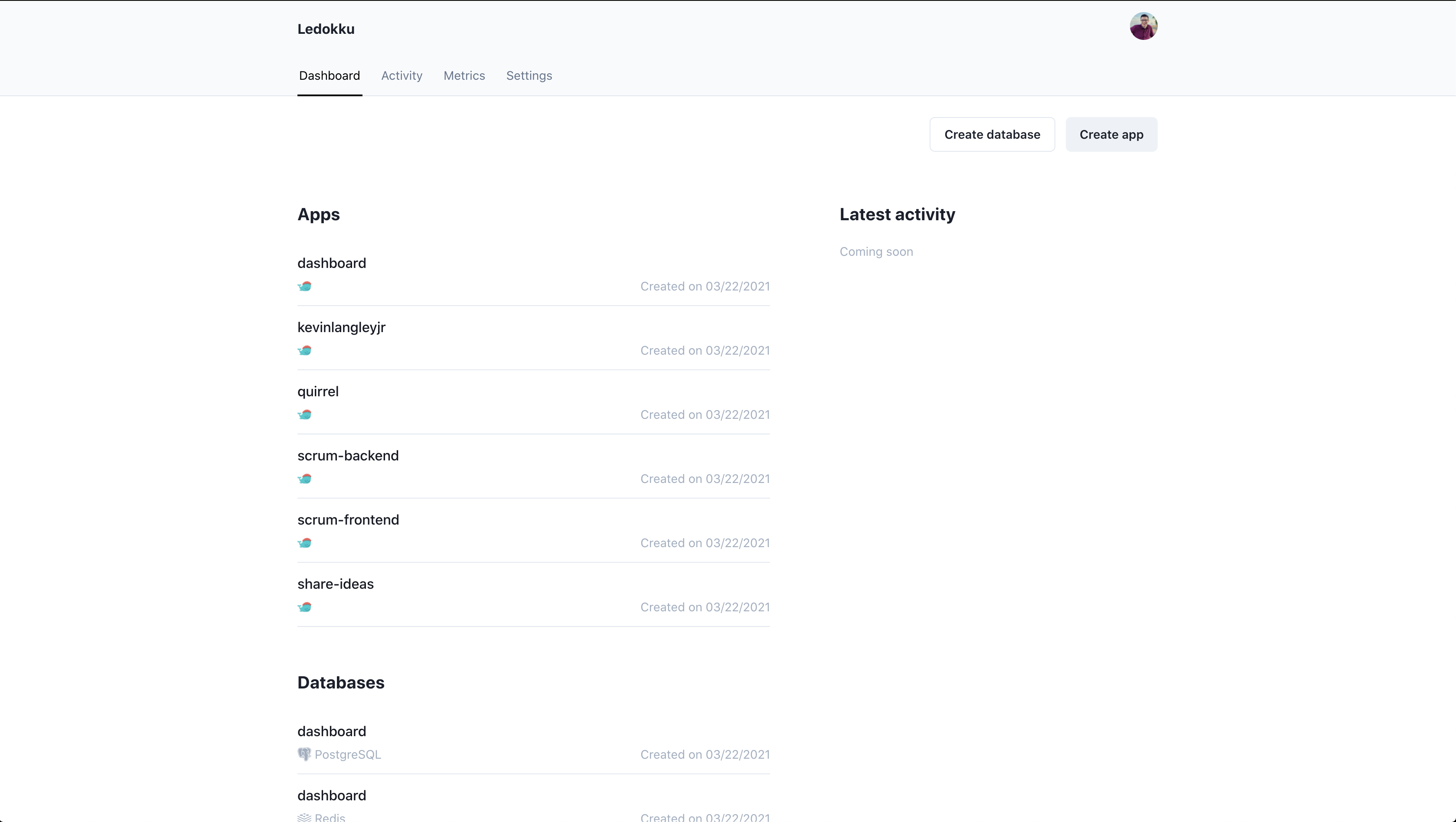
Ledokku dubs itself as a “beautiful web UI for all things Dokku” and I think they hit the nail right on the head. With Ledokku, you can view the logs, edit/add/remove environment variables, change domain configuration settings, link databases or other services, and more!
Installation
wget https://raw.githubusercontent.com/ledokku/ledokku/v0.7.0/ledokku-bootstrap.sh
sudo bash ledokku-bootstrap.sh
# Be sure to change `example.com` to your domain!
dokku domains:set ledokku dashboard.example.com
# Let's throw it behind SSL!
dokku config:set --no-restart ledokku [email protected]
dokku letsencrypt:enable ledokkuThere are also manual installation instructions you can find here.
Now, you should be able to open ledokku.example.com, with example.com being changed to the domain supplied previously.