How I Pipe Oura and Fitbit Data Into My Daily Plan
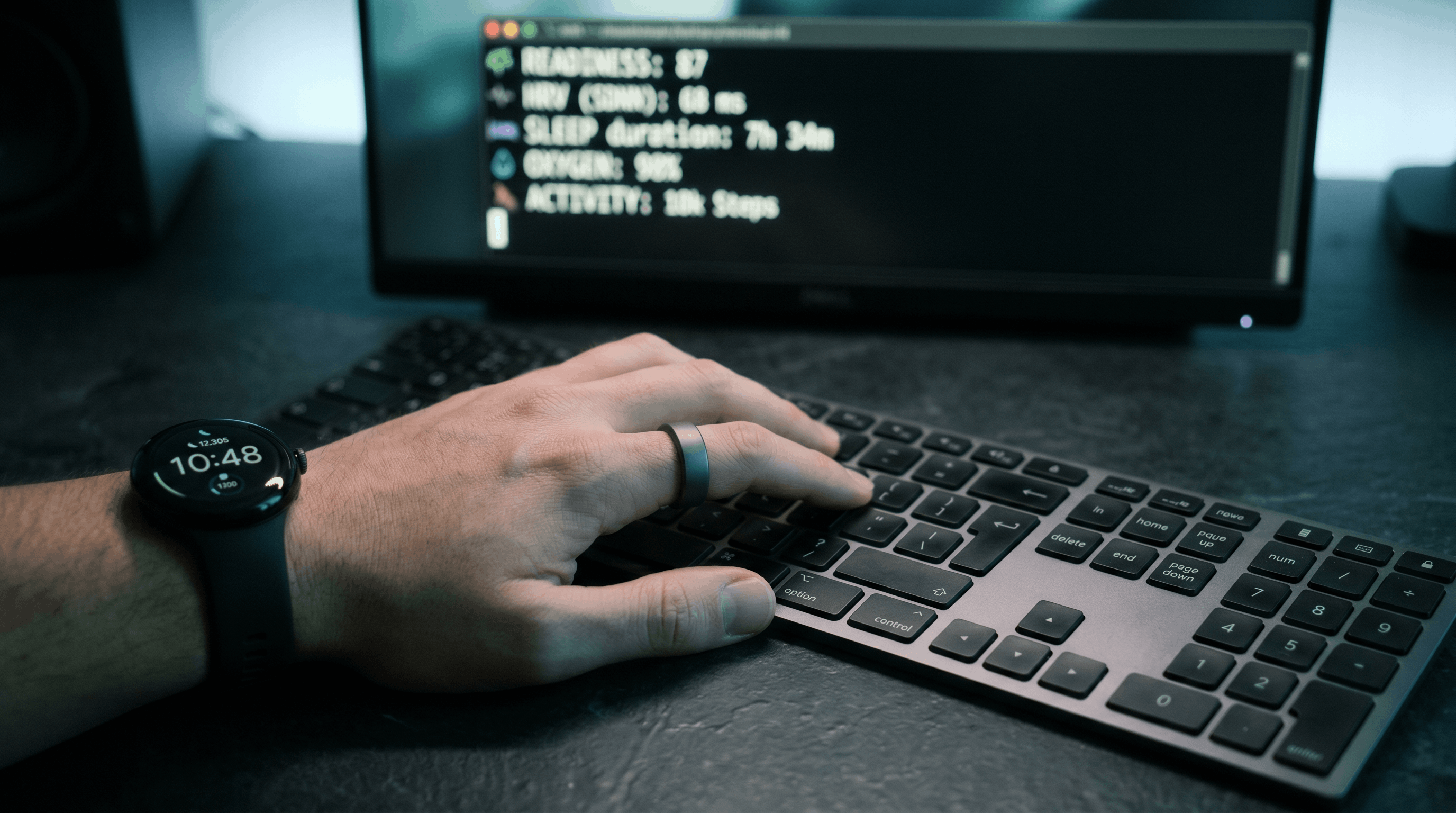
I wear an Oura Ring (Stealth) and a Pixel Watch 4. The only time I open either app is in the morning to force a sync, and I’d skip that step too if the devices would just push their data on their own.
Everything else, readiness, sleep, HRV, steps, active minutes, heart rate, flows into a daily context cache that Claude reads every morning before suggesting what I should actually work on. A night with low HRV and five hours of sleep doesn’t get the same plan as a night with high readiness and a full eight. This post is about how that pipeline actually works: two bash scripts, 1Password for credentials, and a parallel data gatherer that assembles everything before /stream runs.
Why Two Devices
They’re good at different things.
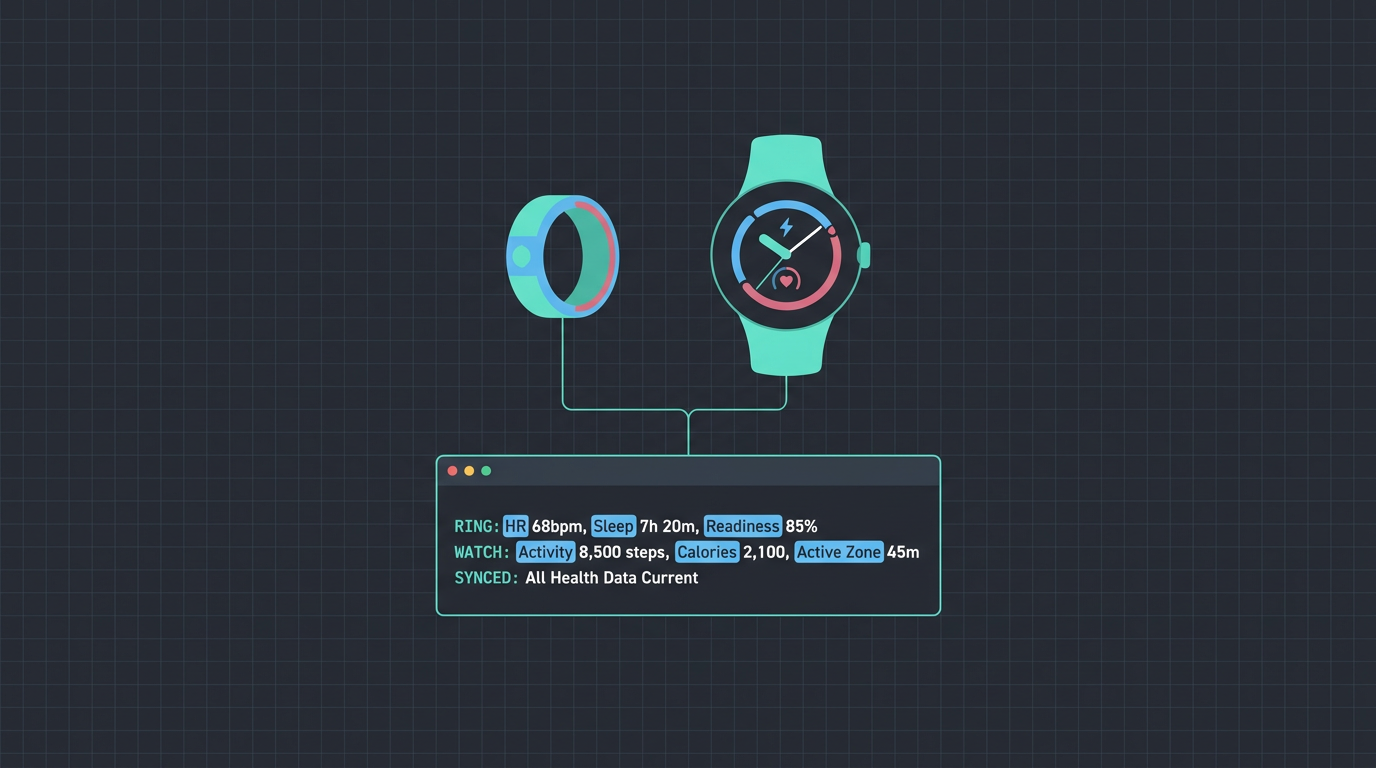
The Oura Ring is almost entirely passive. It’s on my finger all day and night. Where it really shines is sleep data: staging, HRV, lowest resting heart rate during sleep, temperature deviation. It rolls all of that into a daily Readiness score, which is the most useful single number I have for how recovered my body actually is. When Readiness is low, the ring usually knows why before I do.
The Pixel Watch 4 tracks what I’m actively doing. Steps, distance, calories, exercise sessions with type and duration, heart rate zones during workouts. It syncs to Fitbit, which has a proper Web API I can query. Where Oura is about recovery, Fitbit is about activity.
Between the two I get a reasonably complete picture: how well I recovered, and how much I moved.
The Scripts
Both live at ~/.claude/skills/stream/ as plain bash scripts that Claude (and I) can call directly from the terminal.
oura (Oura Ring API v2)
The Oura script is the simpler of the two. The Oura Ring API v2 uses a plain Bearer token, so there’s no OAuth dance to deal with, just a token stored in 1Password (more on that in a moment).
The main command I use is summary, which hits three endpoints in parallel and formats everything into one line:
oura summary 2026-04-28
# Readiness: 84 | Sleep: 76 (7h20m) | Activity: 71 | Resting HR: 48 bpm | HRV: 52 ms | Temp: +0.1°That one line is what ends up in the morning context cache under ### Oura.
The script also exposes deeper commands for when I want more detail:
oura sleep [date]       Detailed sleep with stages (deep, REM, light, awake)
oura readiness [date]   Readiness score and all contributor scores
oura activity [date]    Activity score, calories, steps
oura stress [date]      Stress and recovery summary
oura spo2 [date]        Blood oxygen
oura hr [date]          Heart rate min/max/avg for the day (5-min intervals)
oura week [end-date]    7-day readiness + sleep trend
The week command is useful on Monday mornings when I want to see whether last week’s pattern is consistent or an outlier.
The sleep command is where the detail lives. The Oura API separates daily sleep scores from individual sleep periods (the actual raw data), so the script fetches both:
{
"bedtime_start": "2026-04-27T22:41:00-04:00",
"bedtime_end": "2026-04-28T06:18:00-04:00",
"total_sleep": "7.33h",
"deep_sleep": "1.42h",
"rem_sleep": "1.91h",
"light_sleep": "4.00h",
"awake": "17min",
"efficiency": 96,
"lowest_hr": 48,
"avg_hrv": 52,
"restless_periods": 4
}One subtlety worth knowing: Oura’s API end_date parameter is exclusive on most endpoints, so to query a single day you have to pass start_date=2026-04-28&end_date=2026-04-29. The script handles this automatically by computing next_day on every call.
fitbit (Fitbit Web API)
The Fitbit script is more involved because the Fitbit Web API uses OAuth 2.0 with refresh tokens.
On first use, running fitbit auth opens the browser to Fitbit’s authorization page, then spins up a one-shot Python HTTP server on localhost:8181 to capture the callback code:
fitbit auth
# Opening browser for Fitbit authorization...
# Waiting for callback on localhost:8181...
# Exchanging code for tokens...
# Authorization successful! Token saved to ~/.config/fitbit/token.jsonAfter that, the script manages the token automatically. On every call it checks whether the stored token is expired (using an expires_at timestamp saved alongside the tokens), and if so, uses the refresh token to get a new access token before making the actual API request. The token file is written with chmod 600 so only I can read it.
fitbit summary 2026-04-28
# Steps: 6,842 | Active: 34min | Cals: 2,418 | Resting HR: 52 bpm | Sleep: 89% eff (7h22m)The scopes requested at auth time (activity, heartrate, sleep, oxygen_saturation, temperature) cover everything the script uses, so I never need to re-auth unless I revoke access.
The full command set:
fitbit sleep [date]      Sleep stages, duration, efficiency
fitbit activity [date]   Steps, calories, active minutes, exercises
fitbit hr [date]         Resting HR and heart rate zones
fitbit spo2 [date]       Blood oxygen (SpO2)
fitbit temp [date]       Skin temperature deviation
fitbit exercise [date]   Exercise log with calories and duration
The exercise command is the one I reach for after a run or a gym session to see the actual data the watch captured.
Credentials via 1Password
Neither script has a hardcoded credential. Both resolve secrets from a 1Password environment at runtime using op environment read:
# oura
if [[ -z "${OURA_TOKEN:-}" ]]; then
eval "$(op environment read "${CLAUDE_1P_DEV_ENV_ID}" 2>/dev/null | grep '^OURA_TOKEN=')" || true
fi
# fitbit
if [[ -z "${FITBIT_CLIENT_ID:-}" ]] || [[ -z "${FITBIT_CLIENT_SECRET:-}" ]]; then
eval "$(op environment read "${CLAUDE_1P_DEV_ENV_ID}" 2>/dev/null | grep '^FITBIT_CLIENT_')" || true
fiCLAUDE_1P_DEV_ENV_ID is an environment variable pointing to a 1Password developer environment that holds all my development credentials. The op session is cached by 1Password’s CLI, so on a typical morning it resolves instantly without prompting.
The pattern is the same in both scripts: check if the credential is already in the environment (useful in subshell contexts where it’s already been exported), otherwise pull it from 1Password. If it still isn’t set after that, bail with an error rather than silently making unauthenticated requests.
I’ll be writing up this op environment read approach in more detail, along with the op run variant I use for my home server’s docker compose stack, in a dedicated post on managing secrets with 1Password environments. That post is coming soon.
How gather Runs Them in Parallel
The two scripts don’t get called directly by Claude. They get called by gather, a bash script that fires off every data source simultaneously as background jobs and assembles the results into a single context cache file.
The relevant chunk is roughly:
gather_oura() {
run_source "oura" "oura summary $DATE" &
}
gather_fitbit() {
run_source "fitbit" "fitbit summary $DATE" &
}Each run_source call writes output and timing to a temp file, then wait at the end collects everything before assembly. The Oura and Fitbit API calls, the calendar fetch, the TickTick task pull, the PR query, all of them run concurrently. A full morning gather typically finishes in 20 to 30 seconds even though it’s hitting six or seven different APIs.
The assembled health section in the context cache looks like:
## Health
### Oura
Readiness: 84 | Sleep: 76 (7h20m) | Activity: 71 | Resting HR: 48 bpm | HRV: 52 ms | Temp: +0.1°
### Fitbit
Steps: 6,842 | Active: 34min | Cals: 2,418 | Resting HR: 52 bpm | Sleep: 89% eff (7h22m)The two resting heart rate numbers rarely match, and that’s expected: Oura reports the lowest resting HR it sees during sleep, while Fitbit computes a daily resting rate from its own algorithm. I treat them as two separate readings rather than one number to reconcile.
If either API is down or the token needs re-auth, gather leaves an HTML comment in the section (<!-- gather:oura:error (exit 1) -->) and keeps going. The missing data gets surfaced to Claude as a note rather than silently dropping the health context.
How the Plan Uses It
The health block is one of the first things /stream reads in the morning. I covered how the planner actually uses readiness and sleep to size the day in the Plan my day post, so I won’t rehash it here. The short version is that a low-readiness, short-sleep morning gets a lighter plan with more review and async work, while a high-readiness morning gets a deep-work block. The Fitbit numbers also feed into /stream close and the weekly review for activity-versus-output correlations over time.
Why I Like It This Way
Honestly, the part I like most about this setup is that I never have to think about the data day to day. The ring stays on my finger, the watch stays on my wrist, both apps get their morning sync, and by the time I open Claude the numbers are already in the context cache. The scripts are plain bash with no orchestration layer, no service, no daemon, so if anything ever breaks the only thing to debug is the script itself.
If both scripts broke tomorrow, /stream would just run without that morning’s health context and I’d get a slightly less calibrated plan. I can live with that. For personal tooling, that’s exactly how much I want riding on it.