My Obsidian Setup for Daily Notes and Reviews
In my How I Use Claude to Plan My Day post I walked through the /stream system I run every morning, how it pulls together my calendar, health data, tasks, and yesterday’s note into a focused daily plan. What I didn’t really cover was where the whole thing writes itself down.
That’s Obsidian. Daily plans, meeting notes, perf callouts, weekly reviews, decisions, all of it lives there as plain Markdown files in a folder on my Mac. This post is about the structure underneath the system: how the vault is organized, what a daily note actually looks like, and how the notes nest into each other as they roll up through the weekly, monthly, and annual reviews.
Semi-annual reviews are coming up at 1Password, which is what nudged me to finally write this down. When review season hits, the thing that saves me is that the evidence is already captured and organized in these notes, not something I have to reconstruct from six months of memory.
Why Obsidian
The short answer is plain files. Every note is a .md file in a folder on my Mac. I can read, edit, search, and back them up with any tool. I can write a bash script that reads them. I can grep them. I can send them to Claude.
That last one is the part that really matters for the way I work. My /stream commands read and write daily notes directly through the filesystem, which means the whole system runs without an API, without a plugin, and without Obsidian even being open.
The longer answer is that I’ve been through Notion, Bear, and a couple of others over the years. All of them keep your notes in either a proprietary format or behind an API of some kind, so when the app changes or pivots, you’re left figuring out how to migrate years of work. Markdown and folders aren’t going anywhere, so that’s where I want my notes to live.
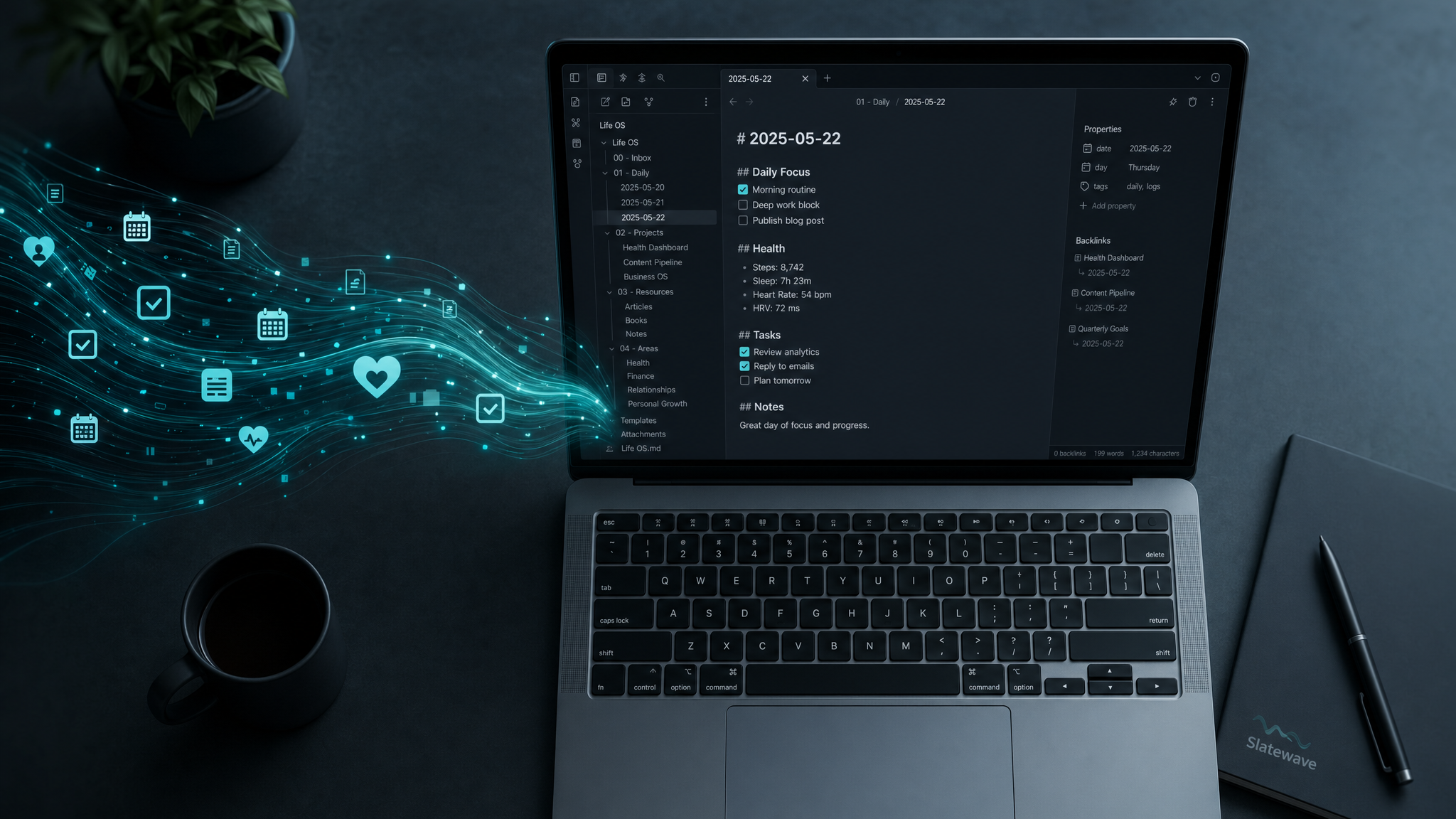
The Slatewave theme keeps Obsidian visually consistent with everywhere else I work, with the same palette in my editor, terminal, and notes.
Vault structure
~/Notes/
├── Daily/
│ ├── 2026/
│ │ ├── 2026-04-28.md
│ │ ├── 2026-04-27.md
│ │ └── ...
├── Weekly/
│ ├── 2026/
│ │ ├── 2026-W17.md
│ │ └── ...
├── Monthly/
│ └── 2026-04.md
├── Quarterly/
│ └── 2026-Q2.md
├── Half-Year/
│ └── 2026-H1.md
├── Annual/
│ └── 2026.md
├── Projects/
│ └── [project-slug].md
├── Meetings/
│ ├── 1on1/
│ │ └── [person-name]/
│ └── [meeting-slug].md
├── Decisions/
│ └── [decision-slug].md
├── Goals/
│ └── 2026.md
└── Meta/
└── perf-capture.mdThe year-based subfolders under Daily/ and Weekly/ are the only real concession to keeping large folders manageable. Everything else is flat within its category. I never create a new folder just to organize three files, because every time I’ve done that in the past it turned into endless reorganization a few months later.
The daily note
Every daily note is named YYYY-MM-DD.md. My /stream command creates it if it doesn’t exist, using a template. Here’s what a finished day looks like:
# 2026-04-28
<!-- capacity: 6 -->
<!-- capacity-actual: 5.5 -->
## Stream
- [x] CG-7 Ownership wizard flow _(deep, 90 min)_
- [x] Review Joe's credential list PR _(unblocks teammate)_
- [ ] CG-12 Write migration plan _(carried, 45 min)_
- [x] Schedule dentist appointment _(personal)_
## Agenda
### 10:00 Architecture sync (MSP + Core)
Notes...
### 14:00 1:1 with Joe
Notes...
## Health
- Readiness: 84
- Sleep: 7h 20m | HRV: 52
- Steps: 4,200
## Journal
Felt sharp in the morning. Architecture sync ran long and pushed everything by 45 minutes.
CG-12 carries again, needs a proper focus block, not a gap-fill slot.
## Close
**Score:** well-scoped
**Completed:** 3/4 (75%)
**Carried:** CG-12, deep work, no uninterrupted block after meeting overrun
**Perf:** 1 staff callout (architecture sync decision)
**Insights:**
- Meeting overruns killed the afternoon block. Leave a 30-min buffer after the architecture sync next time.
- CG-12 has carried 3 days. Needs a dedicated morning, not a slot.
> [!staff] Led cross-team data model decision
> Aligned MSP and Core on the partner portal data model in the architecture sync, unblocked three downstream tickets.
<!-- stream-nudges
scope: light
carry: CG-12
reserve-morning: true
-->
<!-- stream-seed
- id: CG-12
title: Write migration plan
why: carryover day 3, deep work needed
-->A few things worth calling out about the structure:
The capacity comments at the top are written by /stream at the start of the day and updated by /stream close at the end. Declared hours vs. actual hours, and the gap between them is the calibration signal that the close uses to size tomorrow’s plan.
The Stream section uses standard Markdown task syntax. /stream close reads the checkboxes, counts completions, and classifies anything unchecked. Obsidian renders them as interactive checkboxes in the reading view, but they’re plain - [ ] and - [x] in the file, which is what makes them readable from a script.
The HTML comments at the bottom are invisible in Obsidian’s reading view but get parsed by tomorrow morning’s /stream. The nudges block tunes the next plan’s behavior (cap the scope, protect a morning block, reserve a slot for reviews). The seed block pre-loads the highest-confidence candidates so the morning doesn’t start cold.
Perf-worthy callouts
The other thing the daily note holds is the perf-worthy callouts I drop in throughout the day. I covered the why and how of these in the Plan my day post, so I won’t rehash it here. The relevant detail for this post is just that they’re Obsidian callouts, a native feature that renders as a highlighted blockquote with an icon, and they live inline in whichever daily note they’re relevant to.
> [!staff] Title here
> Evidence.
> [!senior] Title here
> Evidence.
> [!impact] Title here
> Evidence.Because they’re plain text in plain files, harvesting them across six months of notes is a one-line grep. That’s exactly what /perf-capture does when it’s time to prep for a review.
Meeting notes
Meeting notes live under Meetings/ and are named by date and slug, like 2026-04-28-architecture-sync.md. 1:1 notes get their own subfolder per person, so I can quickly pull up the most recent one before a meeting:
# 1:1 with Joe, 2026-04-28
## Agenda
- CG-12 migration plan
- Promotion timeline
## Notes
...
## Action Items
- [ ] Kevin: share migration doc draft by EOD Thursday
- [ ] Joe: loop in platform team on dependencyThe /1on1 skill pulls the last two or three notes for a person before each meeting and uses them to surface follow-ups and patterns. The structure of the note itself is deliberately minimal, just Agenda, Notes, and Action Items, so the barrier to opening it and typing something during a call stays as low as possible.
The review pyramid
The vault is shaped to feed the review pyramid I covered in detail in the Plan my day post. The short version is that each review level reads only the level directly below it. A weekly review reads the five daily notes for the week, a monthly review reads the four or five weekly notes, and so on up.
That nesting is why every review level has its own folder. Weekly/ only ever needs to look at Daily/. Monthly/ only ever looks at Weekly/. The folder layout matches the read pattern, and the read pattern matches what each level is actually trying to answer.
The daily note is the only level where I write freeform context. Everything above it is synthesis. I only ever hand-write in one place, and the reviews read it.
Plugins
I keep my plugin set deliberately small so the vault stays portable, and in practice that means I don’t run community plugins at all. Everything I rely on is a core plugin that ships with Obsidian, so there’s nothing third-party that can break on an update or trap my notes in a format the next editor won’t open. The ones that actually carry this setup:
- Daily notes creates today’s note and is the entry point for everything
/streamwrites. - Templates stores the daily-note scaffold, the same
Stream/Agenda/Health/Journal/Closelayout the commands read and write back into. - Sync mirrors the vault across my machines, so a note written on one is already on the others.
- Quick switcher and Search are how I pull up a specific note fast, like the last 1:1 with someone right before the meeting.
- Backlinks and Outgoing links surface how notes connect as the daily notes roll up through the review pyramid.
- File recovery keeps local snapshots, a cheap safety net that doesn’t compromise the plain-file approach.
Everything else that’s enabled is just Obsidian’s defaults: Outline, Page preview, Properties view, Word count, and the like. None of it is load-bearing in a way that would hurt if it vanished, which is exactly the property I want.
Why not a dedicated daily planner app
I’ve tried apps built specifically for daily planning, and they’re generally good in isolation. The problem is that my system spans Jira, TickTick, GitHub, Oura, Fitbit, and Google Calendar, and I need an AI to read across all of those and write back to one place. No purpose-built planner exposes the file system the way Obsidian does, so they all end up being one more silo I’d have to integrate with.
The plain-file approach also means the system doesn’t break when I change my workflow. I rewrote how /stream close formats the nudges block a few times early on, and the old notes with the old format still open fine. The new command just looks for the new format and ignores anything older. There was no migration step, and no data trapped in a schema I’d be stuck with.
Why I’m sticking with it
Honestly, the part I like most about this setup is that the vault doesn’t really care about the system on top of it. If I stopped running /stream tomorrow, every note is still there, still readable, still grep-able. If I switched away from Obsidian, every file is plain Markdown that any other editor can open. The daily note is the foundation, and the system on top is only as load-bearing as I want it to be.
That’s the part I keep coming back to. The structure is deliberately boring, and that’s exactly why it has lasted.